Update5 min read
Your loyalty card, next to your boarding pass
Apple Wallet and Google Wallet passes are live. Each one shows the stamp card itself, in the shop’s colours, and updates on the phone after every stamp.
The customer card has always lived in the browser, which is what lets people join without installing anything. But a browser tab is not where people keep the things they show at a counter. That place is the wallet app, next to the boarding passes and the cinema tickets. As of this week, a Stamposa card can live there too.
One tap from the card
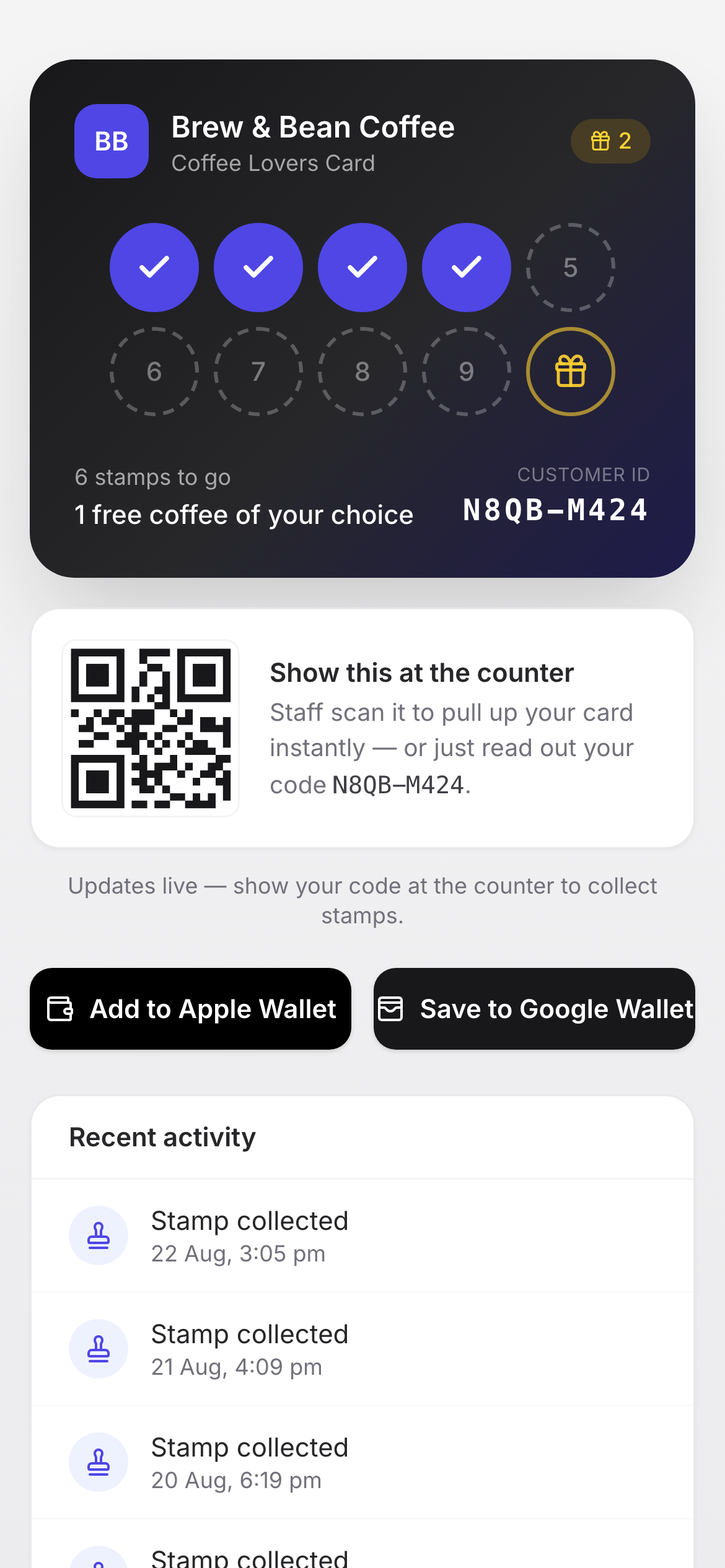
Every customer card now has Add to Apple Wallet and Save to Google Wallet buttons. Tapping one hands the phone a pass in the shop’s brand colour, with the shop’s logo, the customer’s name and their stamp count. The barcode on the pass is the same customer code the counter console scans, so staff treat it exactly like the card in the browser.
The pass shows the card
Most loyalty passes are a logo and a number. We wanted the pass to look like the thing it replaces, so the banner across the top of each pass is the punch card itself: a filled disc for every stamp collected and a ring for every one still to go, wrapping onto a second row for programs with more than six stamps. It is drawn fresh for each customer on each stamp, on the shop’s brand colour, and the ink flips to dark automatically on light brands so it stays readable.
On Apple Wallet the banner is baked into the pass and the count sits in the header. On Google Wallet it is the hero image, which Google fetches from us each time the count changes.
It stays current
When staff add a stamp, the pass updates. Apple Wallet passes receive a push and refresh within seconds; Google Wallet passes are updated directly. The number in the customer’s wallet is never the number from last visit. The same happens on undo, so a reversed stamp disappears from the pass as well.
What a shop needs to do
Nothing. Wallet passes are on for every program. The logo and brand colour come from the shop’s settings, so a shop that has uploaded a logo sees it on the pass immediately. A shop without one gets a neutral Stamposa mark until it adds its own.
The card in the browser is still the card
The wallet pass is a convenience, not a replacement. The browser card remains the place to see the full history, claim a reward and find every shop’s card under My cards. Customers who never touch the wallet buttons lose nothing.