Update4 min read
Join with a phone number or an email, whichever you have
Customers can now sign in with a one-time code sent to either a phone number or an email address. What changed, and what to know when you enrol someone at the counter.
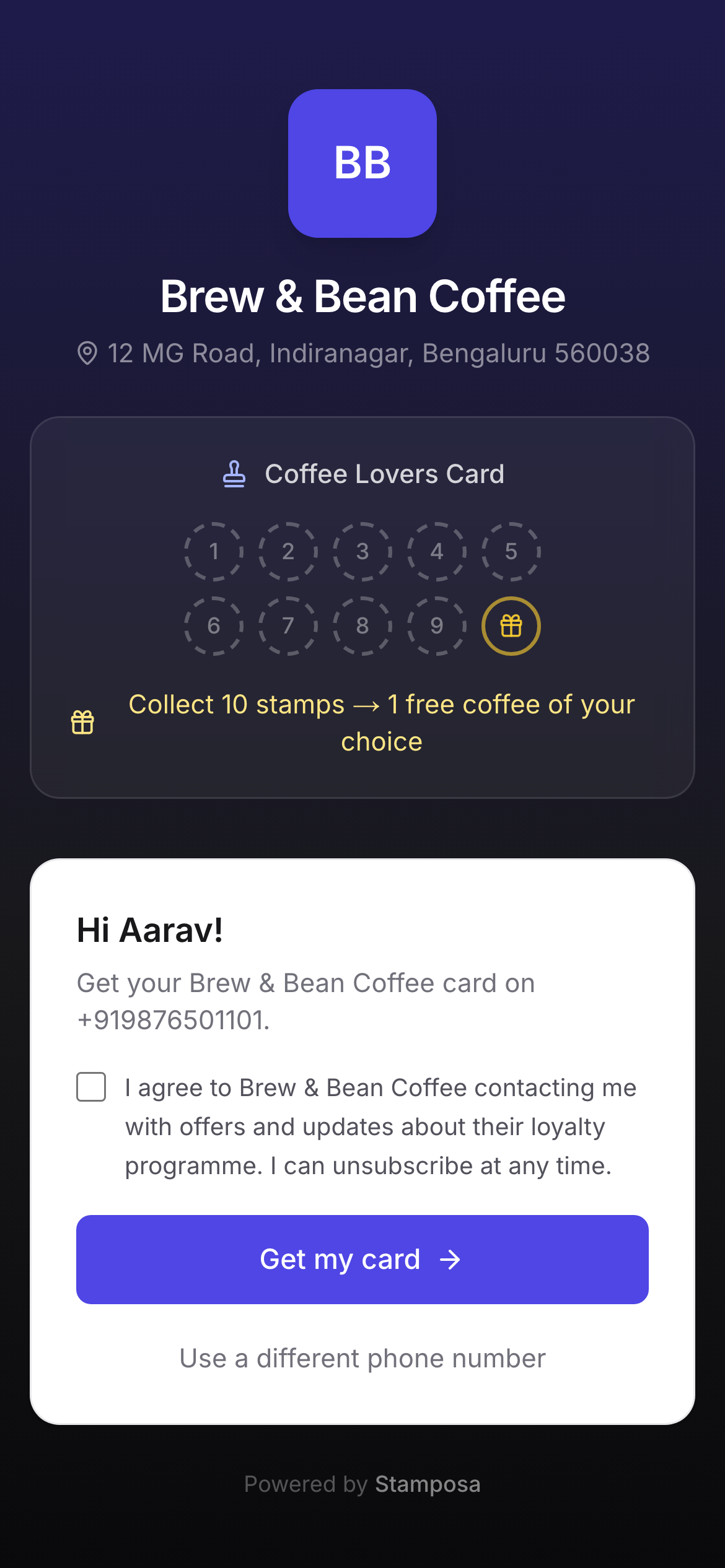
Until this week a Stamposa card was tied to a phone number. Scanning the QR asked for a number, a code arrived by SMS, and that was the customer’s identity from then on. As of today the join page accepts an email address in the same box, and the code arrives by email instead.
Why
Two reasons. Some customers would simply rather not give a shop their phone number, and a loyalty card is not worth an argument at the counter. And SMS delivery in some countries depends on regulatory registration that takes time to approve, while email works everywhere on day one. Offering both means a shop can go live now and let customers pick.
How it works
- The join page and My cards have one field. Anything containing an
@is treated as an email; anything else is treated as a phone number. - Phone numbers are normalised to international format and emails are lower-cased before anything is stored, so
Alex@example.comandalex@example.comare the same customer. - The one-time code is six digits, expires in five minutes, and is rate-limited per person, not per channel. Switching from phone to email does not reset the limit.
- Sign-in emails are a branded template with a plain-text fallback, so they read correctly in any client.
What owners see
Customer lists and profiles show a single contact column, which is the phone number if there is one and otherwise the email. The CSV export keeps them as two separate columns so nothing is lost. Counter enrolment accepts either as well, and the customer opens their card later by signing in with whichever the staff member typed.
Nothing changes for staff and owners
Staff and owners continue to sign in with email and password. Only the customer path is affected, and existing phone-number customers keep working exactly as before.